
Pull Requests on GitHub: Everything You Need to Know
If you're diving into collaborative coding, understanding Pull Requests (PRs) on GitHub is crucial. After all, PRs are the backbone of team collaboration, ensuring that changes are reviewed, discussed, and integrated efficiently. Moreover, they help maintain code quality and foster better communication within teams. In this blog, we’ll walk you through what pull requests are, why they matter, how to create them, and best practices to follow in 2025.
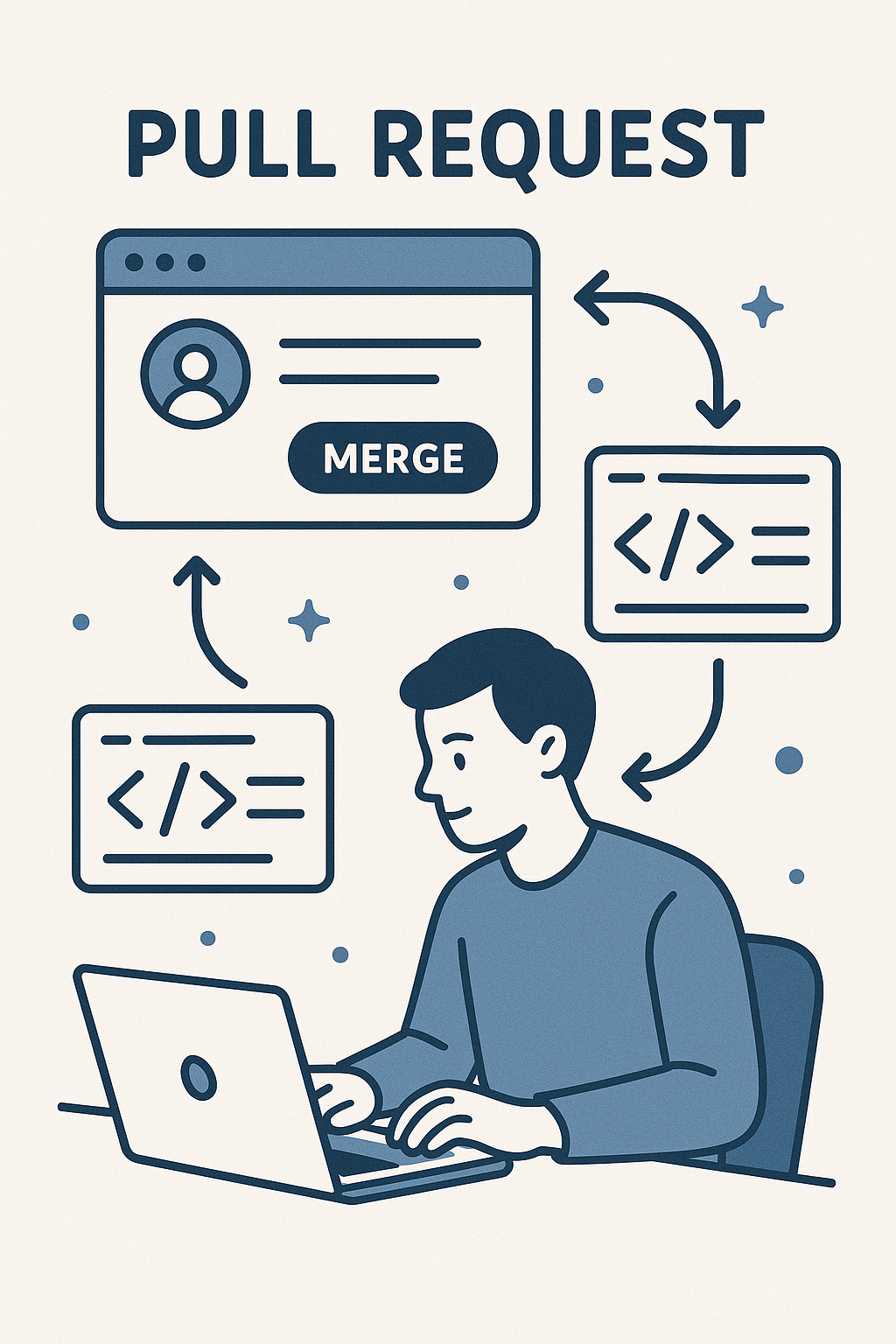
What is a Pull Request?
A Pull Request is essentially a way of telling collaborators, “Hey, I’ve made some changes — can you review and merge them?” Rather than pushing code directly into the main branch, developers create a PR to initiate discussion, request feedback, and ensure quality control.
In other words, it’s your opportunity to:
- Share changes
- Discuss improvements
- Request code reviews
- Merge verified changes into the main branch
Moreover, pull requests play a crucial role in increasing project stability, encouraging collaborative problem-solving, and maintaining high standards of code quality.
➡️ Recommended Read: GitHub Branching Explained: Best Practices You Need to Know
Why Are Pull Requests on GitHub Important?
Pull requests are essential for maintaining code quality, collaboration, and project organization. Here's why they matter:
Lastly, they promote a collaborative work environment, where feedback is shared constructively, leading to stronger, more maintainable codebases.
First and foremost, they ensure that all code changes are reviewed before being merged, reducing the likelihood of bugs and errors.
Additionally, they facilitate open discussions around improvements, helping teams align on best practices and coding standards.
Furthermore, pull requests allow for better tracking of changes, making it easier to manage project history and understand why specific decisions were made.
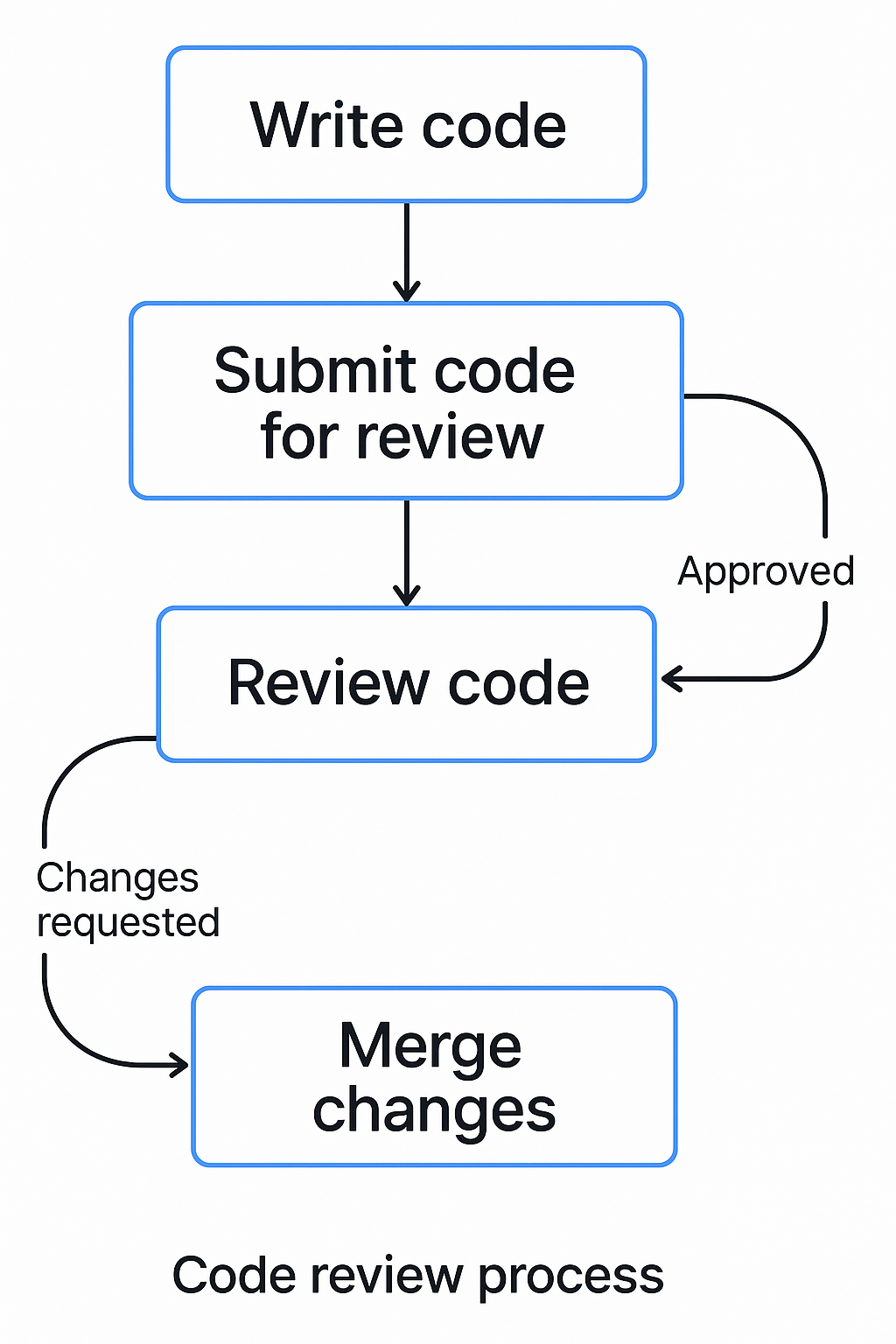
- Code Review: Before changes are merged, teammates can review the code, suggest modifications, or approve it, ensuring higher quality and consistency.
- Collaboration: In addition, teams work more effectively by discussing implementations openly, encouraging better communication and shared ownership.
- Documentation: Furthermore, every pull request serves as a historical record, clearly documenting why specific changes were made and aiding future project maintenance.
- Testing: Moreover, pull requests allow automated tests (via CI/CD pipelines) to run before merging, helping to catch bugs early and maintain code reliability.
Overall, they foster a culture of continuous learning and mentorship within development teams, strengthening both technical skills and teamwork.
How to Create Pull Requests on GitHub (Step-by-Step)
Let’s break it down so you can easily create your first PR.
1. Fork or Clone the Repository
First, fork the repository you want to contribute to. If you have push access, you can directly clone it instead:
git clone https://github.com/username/repo.git
2. Create a New Branch
Before making changes, create a feature branch:
git checkout -b feature/add-login-form
This ensures that your changes are isolated.
3. Make Changes and Commit
After editing files, stage and commit your changes:
git add .
git commit -m "Added login form with validation"
Tip: Always write clear and concise commit messages!
4. Push Your Branch
Now, push the changes to GitHub:
git push origin feature/add-login-form
5. Open a Pull Request
- Navigate to your repository on GitHub.
- Click the "Compare & pull request" button.
- Add a title and description summarizing your changes.
- Select reviewers (if required) and create the pull request.
Pro Tip: Mention issues like this — Fixes #123 — to automatically close them upon merging.
Best Practices for Pull Requests on GitHub
To maximize your effectiveness and maintain a professional workflow, follow these best practices:
1. Keep Pull Requests Small
Smaller PRs are easier to review, test, and merge. Ideally, one PR should tackle a single feature or fix.
2. Write Descriptive Titles and Summaries
Always describe what you changed and why. Clear PR descriptions help reviewers understand the context quickly.
Example:
Title: "Fix login redirect bug on mobile devices"
Description: "Resolved an issue where users were redirected incorrectly after login on mobile platforms by adjusting session management."
3. Request a Review Early
Don't wait until your work is perfect. Instead, request feedback early to catch mistakes sooner and avoid rework.
4. Resolve Merge Conflicts Quickly
If conflicts arise, handle them promptly. Communicate with your team if needed to coordinate merging efforts.
5. Link Related Issues
Always reference related issues or tickets to maintain traceability.
Example:
"This PR addresses issue #456 regarding session timeout errors."
Reviewing Pull Requests on GitHub
Reviewing is just as important as creating a PR. Here’s a quick checklist when reviewing:
- Check for code readability and consistency.
- Verify functionality by running the code if needed.
- Look for potential security issues or bugs.
- Suggest improvements or optimizations.
- Be respectful and constructive with feedback.
Furthermore, if you're reviewing a large pull request, you can leave partial comments and come back later to finalize the review.
Useful GitHub Features for PRs
GitHub offers several tools to enhance your PR workflow:
- Draft Pull Requests: Start a PR even if the work is incomplete.
- Reviewers: Assign specific team members to review.
- CI/CD Integration: Automate builds and tests.
- Code Owners: Automatically request reviews from designated owners.
➡️ Explore: GitHub's Official Documentation on Pull Requests
Final Thoughts
To sum up, pull requests are the heart of collaborative coding on GitHub. They not only ensure that your code is reviewed and tested but also foster better team communication and project management. By following best practices and actively participating in PR reviews, you will significantly boost the quality and reliability of your projects.
So, next time you work on a new feature or fix, confidently open a pull request — and remember, collaboration makes code stronger!