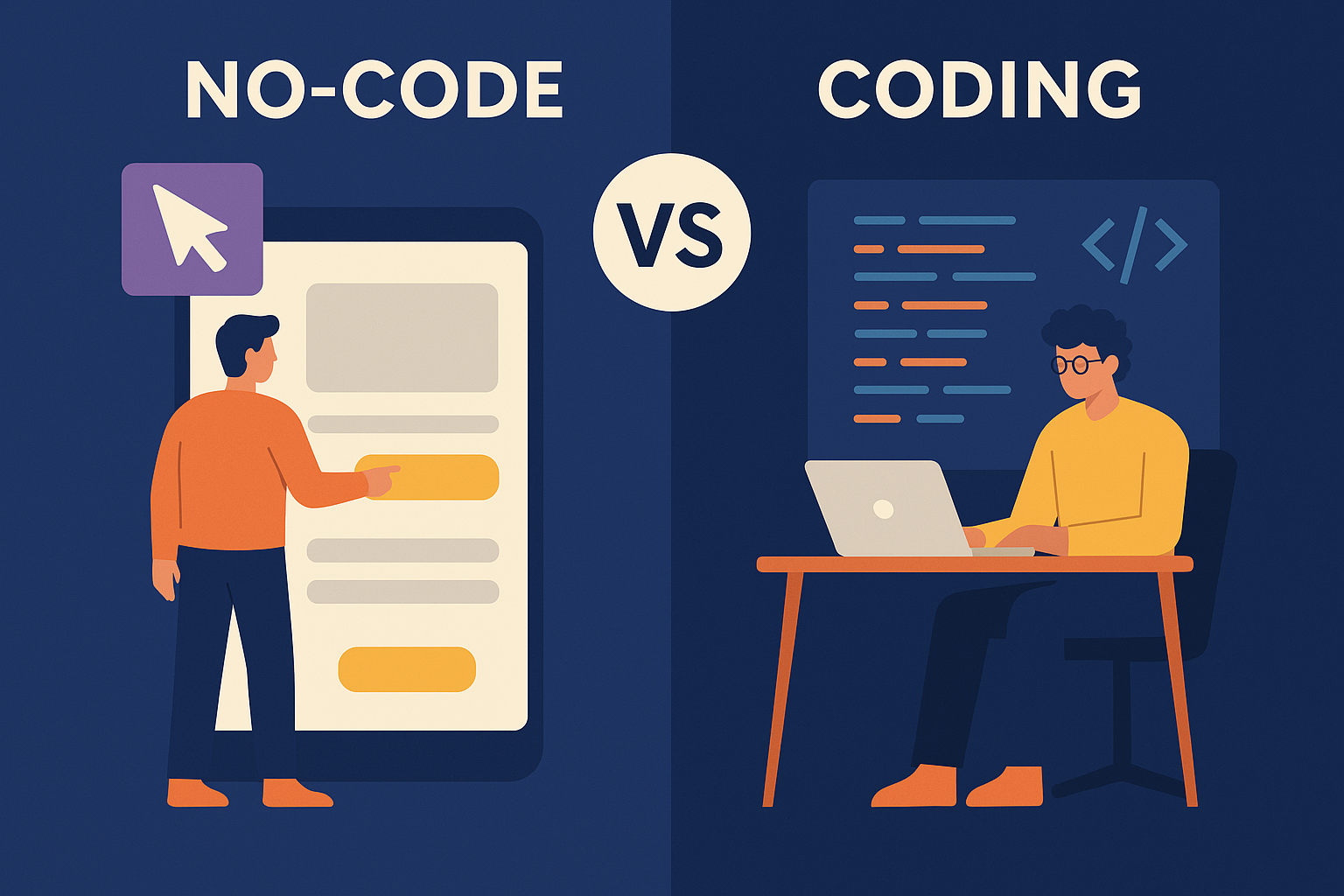

No-Code vs. Traditional Coding: Which Path is Right for You?
In the world of software development, the rise of no-code platforms has significantly transformed the way applications are built. On the one hand, these platforms offer accessibility and ease of use, while on the other hand, traditional coding provides greater flexibility and control. But how does no-code compare to traditional coding? And, more importantly, which option is best suited for your goals? To help you make an informed choice, let’s break down the differences, explore the advantages, and consider the key factors.
What is No-Code Development?
On the other hand, no-code platforms allow users to create applications without writing any code. Instead, they rely on visual development environments with drag-and-drop components, making the process much more accessible. For example, popular platforms like Bubble and Webflow empower users to build web applications and websites quickly and efficiently. Consequently, these platforms are ideal for entrepreneurs, small businesses, and individuals without technical backgrounds.
What is Traditional Coding?
On the other hand, traditional coding involves writing software using programming languages like Python, JavaScript, or C++. Unlike these platforms, this approach provides developers with greater control and flexibility. Additionally, developers use integrated development environments (IDEs) and code editors to create fully customizable applications. For instance, platforms like Visual Studio Code and GitHub are commonly used by coders to manage and collaborate on projects efficiently.
No-Code vs. Traditional Coding
| Feature | No-Code | Traditional Coding |
|---|---|---|
| Learning Curve | Easy, suitable for beginners | Steeper, requires programming skills |
| Development Speed | Faster with pre-built templates | Time-consuming but highly flexible |
| Customization | Limited customization options | Full customization available |
| Cost | Affordable for small projects | Can be costly depending on project size |
| Scalability | Limited for large, complex applications | Suitable for any size project |
Pros and Cons of No-Code
Pros:
- Rapid development and deployment
- Low barrier to entry
- Cost-effective for small businesses and startups
Cons:
- Limited customization
- Scalability challenges
- Dependency on platform providers
Pros and Cons of Traditional Coding
Pros:
- Complete control over functionality
- Scalable and robust
- Ideal for large-scale applications
Cons:
- Time-intensive development
- Requires coding knowledge
- Higher development costs
When to Choose No-Code
- You need to build a simple application or MVP (Minimum Viable Product).
- Budget and time constraints are significant.
- You lack coding experience and want to test ideas quickly.
When to Choose Traditional Coding
- You’re developing a complex, scalable application.
- High levels of customization and security are necessary.
- You have access to experienced developers.
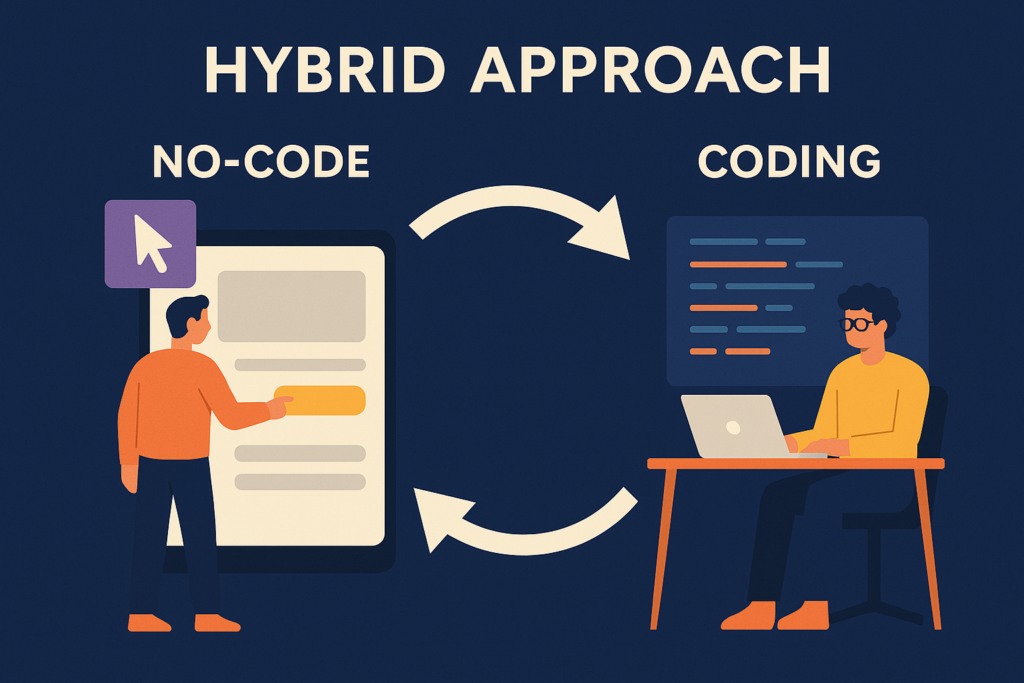
Finding the Right Balance
Sometimes, a hybrid approach works best. Using no-code for frontend designs and traditional coding for backend functionality can be an efficient solution. Platforms like OutSystems(link) and Mendix(link) offer options that bridge the gap between both methods.
Conclusion
Ultimately, the choice between both depends on your goals. If speed and ease of use are your priorities, no code is an excellent choice. Conversely, if you seek flexibility, customization, and scalability, traditional coding remains a strong contender.
Ready to explore further? Check out our Programming Language for Beginners: How to Pick the Best one! or explore how these tools can enhance your project development with The Best No-Code Tools for Entrepreneurs and Startups
Happy building!